

Download Ogame Calculator 2006 – Ogame calculator, Ogame strategy, Ogame resource calculator, Ogame fleet calculator, Ogame battle simulator, Ogame tool, Ogame utility, Ogame assistant, Ogame guide, Ogame tactical guide
Overview
Ogame Calculator 2006 is a mobile utility tailored for fans of the popular browser-based strategy game OGame. Designed to support gameplay efficiency, the app serves as a comprehensive in-game assistant that helps players optimize resource management, fleet deployment, and tactical planning. It is particularly useful for individuals seeking to streamline complex calculations involved in building, upgrading, and deploying fleets across multiple planets and fleets. The app caters to both new players learning the mechanics of OGame and experienced strategists aiming to refine their gameplay with precision tools.
As a dedicated tool within the OGame ecosystem, Ogame Calculator 2006 fills a niche by offering real-time support for decision-making. It enables users to simulate outcomes, track production cycles, and manage fleet logistics without relying solely on external spreadsheets or manual calculations. The app’s relevance persists despite the game’s evolution, as it continues to serve a dedicated community of players who value efficiency and strategic depth.
The developer, Ogame Calculator 2006, has not provided additional background or company details. However, the app’s consistent functionality and long-standing presence suggest a focus on reliability and user-centric design. It is available on Android, reflecting its target audience of mobile users who want on-the-go access to essential game tools.
Key Features & Functionality
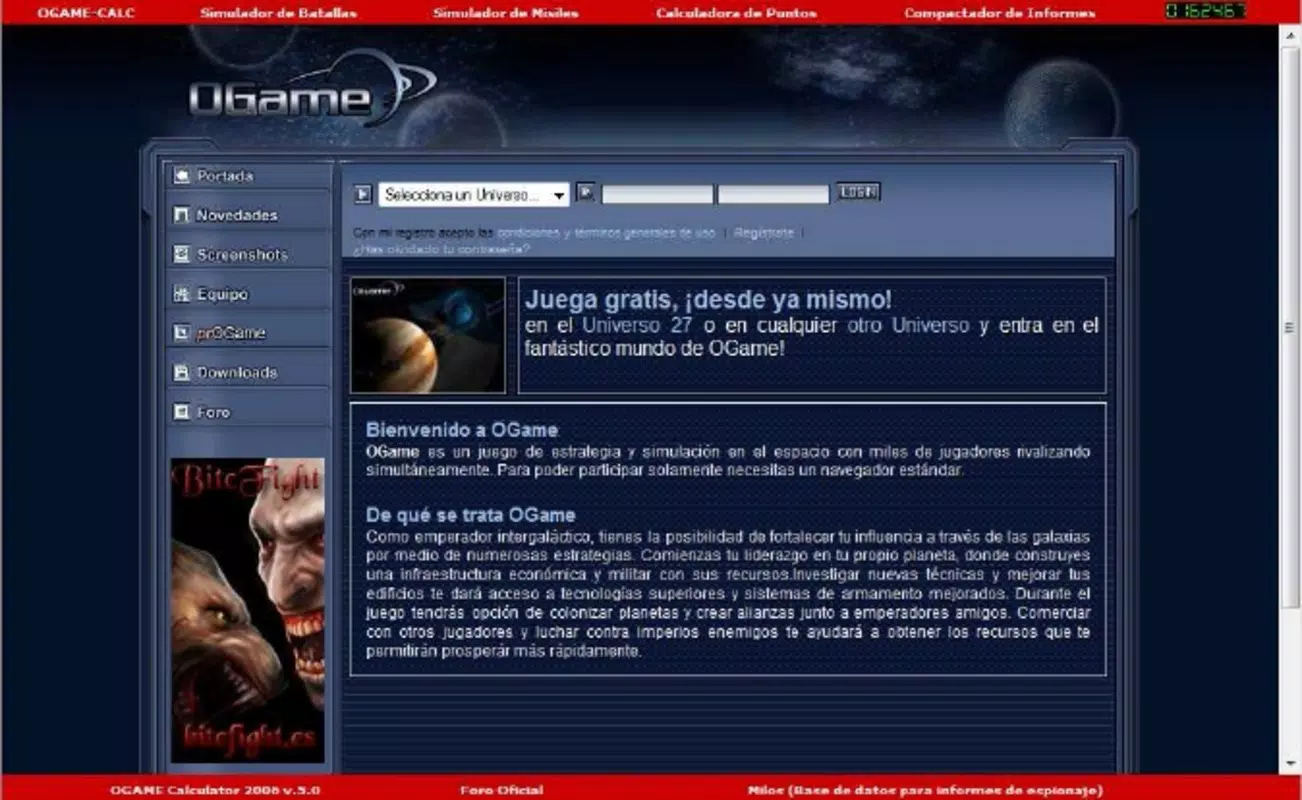
- Intuitive User Interface: The app features a clean, organized layout that simplifies access to its core tools. Navigation is designed to be straightforward, minimizing the learning curve for new users while maintaining efficiency for experienced players.
- Resource Management Tools: Users can calculate resource production rates, storage capacities, and consumption needs. This functionality supports strategic planning by identifying optimal times for upgrades and expansions.
- Fleet and Defence Management: Dedicated modules allow players to organize fleets, assign ships to missions, and assess defensive capabilities. This feature aids in preparing for attacks and reinforcing planetary defenses.
- Comprehensive Tactical Guides: The app includes reference materials covering common strategies, such as fleet composition, planet defense setups, and alliance coordination tactics.
- Battle Simulation Utilities: Players can simulate combat scenarios to test strategies before deploying real fleets. This reduces risk and enhances decision-making in high-stakes situations.
For example, a player planning a long-range attack can use the battle simulator to estimate damage output and survival rates based on fleet composition. Similarly, a new player can use the resource calculator to determine how long it will take to build a new research facility, helping avoid resource shortages.
Interface, UX & Performance
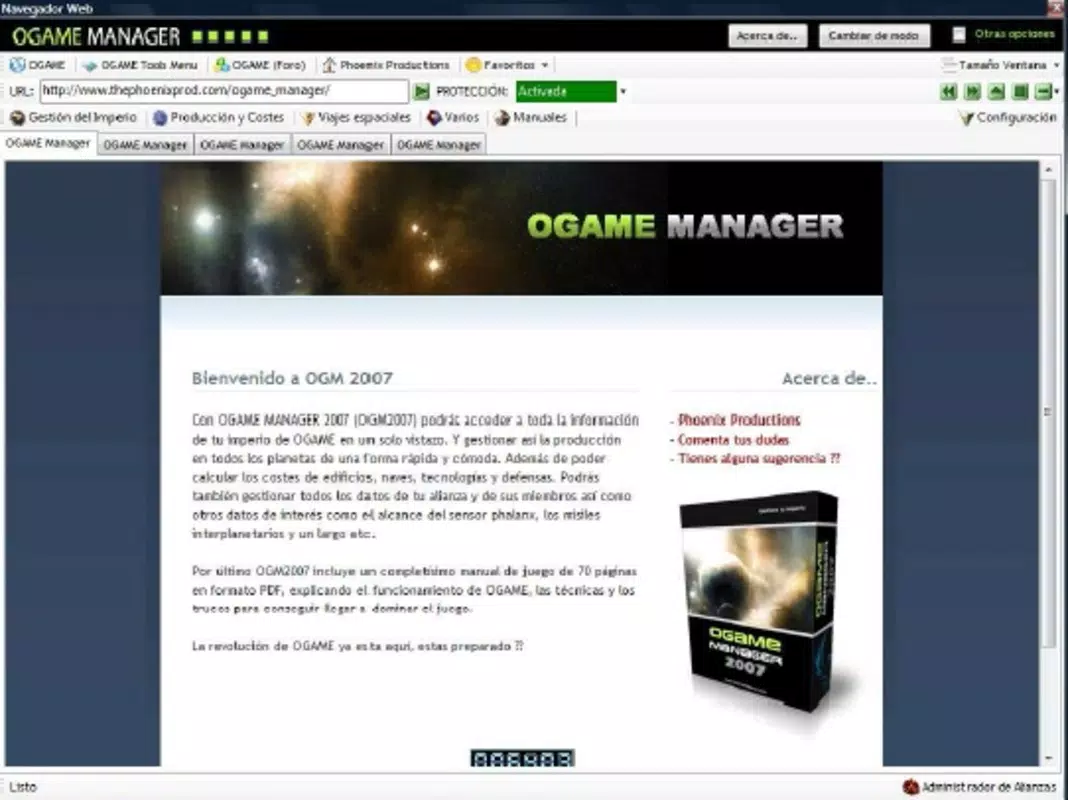
The interface of Ogame Calculator 2006 reflects a focus on clarity and functionality. The layout uses consistent color coding and logical grouping to differentiate between resource tracking, fleet management, and tactical tools. Navigation is primarily menu-driven, with minimal on-screen clutter, which enhances usability across various screen sizes.
Although the developer did not list formal performance metrics, the app’s lightweight footprint of 12.8 MB suggests efficient resource usage. It is designed to operate smoothly on a range of Android devices, including mid-tier smartphones. The app responds promptly to inputs, with minimal lag during calculations and transitions between modules.
Stability appears to be a priority, as no widespread reports of crashes or data loss have been documented. However, the developer did not provide information on compatibility with specific Android versions or device categories. Users should ensure their device meets standard Android requirements for app installation.
Platform Compatibility & Technical Requirements
Ogame Calculator 2006 is available exclusively on the Android platform. The current version is 1.0.2, with a file size of 12.8 MB. This lightweight design makes it accessible even on devices with limited storage capacity.
The developer did not specify minimum OS requirements or device compatibility details. As such, users are advised to check their device’s Android version and available storage before installation. While the app is free to download and install, it may require internet access for certain features, such as accessing external guides or updating in-game data.
Pros and Cons
Pros
- Free to download and use with no in-app purchases
- Lightweight design suitable for low-storage devices
- Intuitive interface designed for both beginners and experienced players
- Offers essential tools for resource, fleet, and tactical management
- Includes battle simulation and strategic guides for improved gameplay
Cons
- Developer did not provide detailed compatibility or system requirements
- No information on update frequency or long-term support
- Platform availability limited to Android only
- Interface may feel outdated compared to modern mobile apps
- Does not support iOS or other mobile operating systems
FAQ
Is Ogame Calculator 2006 safe to download?
Yes, the app is free and available through official Android channels. It does not require excessive permissions and has not been flagged for security issues.
Can I use Ogame Calculator 2006 without an internet connection?
Basic features such as calculations and simulations can be used offline. However, access to external guides or updated tactical content may require internet connectivity.
Does Ogame Calculator 2006 support all OGame server versions?
The app is designed for general use across OGame servers. However, specific server configurations may affect feature accuracy. Users are advised to verify compatibility with their game environment.
How often is Ogame Calculator 2006 updated?
The developer did not disclose update frequency. The latest version available is 1.0.2, released in 2011. Users should monitor official sources for future updates.
Is Ogame Calculator 2006 compatible with iOS devices?
No, the app is currently available only on Android. There is no official version for iOS or other platforms.
Final Thoughts
Ogame Calculator 2006 remains a valuable tool for players invested in the strategic depth of OGame. Its combination of resource tracking, fleet management, and battle simulation offers practical support for both new and seasoned players. While its interface may appear dated and its update history limited, the app delivers consistent functionality without added costs.
For fans of OGame seeking a reliable, no-frills assistant that enhances planning and decision-making, this app provides tangible benefits. Its free model and lightweight design make it accessible to a broad audience, especially those who prefer mobile tools for in-game strategy.
Download Ogame Calculator 2006 now


